
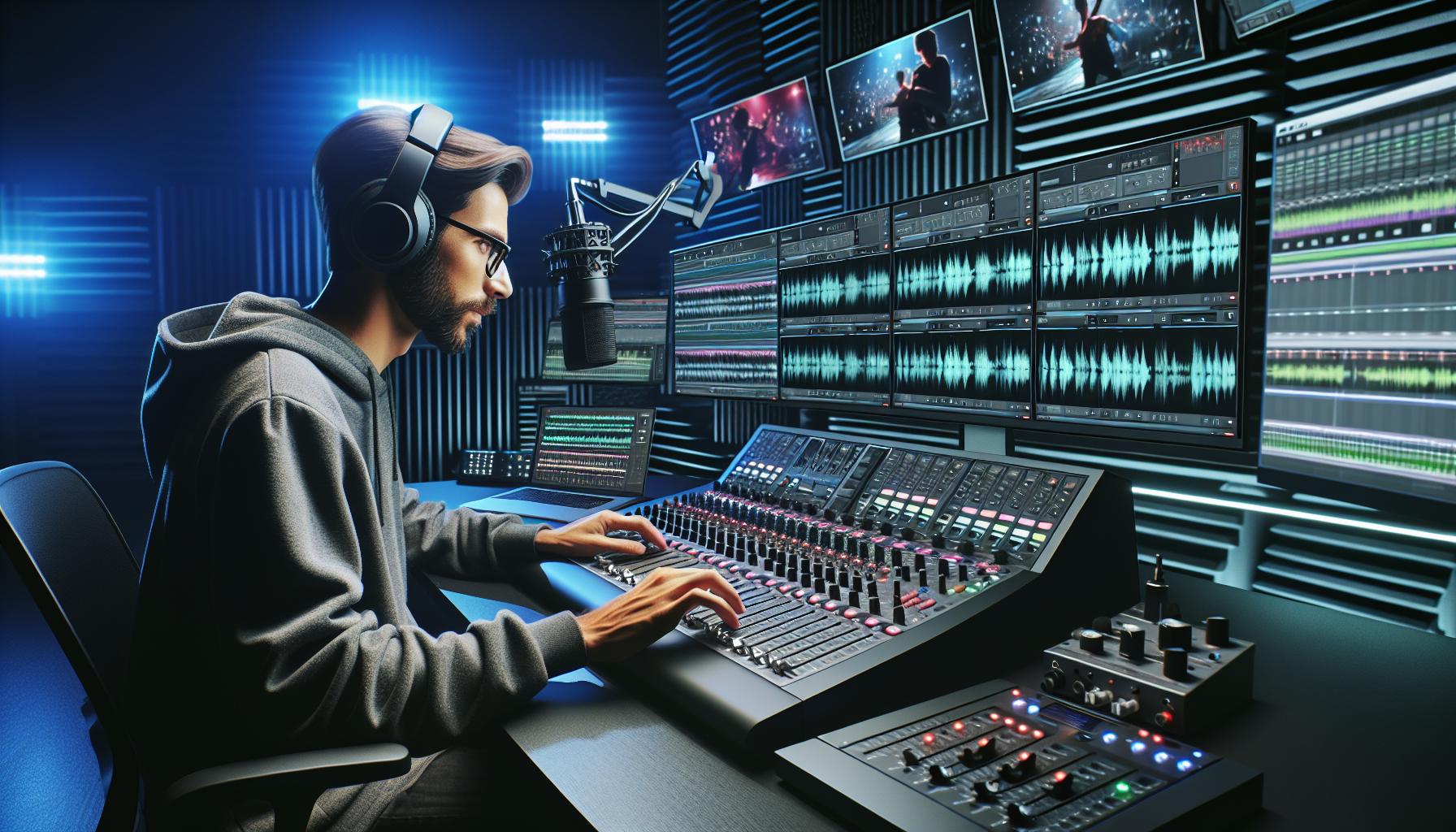
We all know that perfect feeling when music and visuals sync perfectly in a video. Whether it’s a dramatic movie scene, a compelling advertisement, or a viral social media clip, the right music can transform ordinary footage into something extraordinary.
In today’s digital age, selecting the perfect soundtrack for video content has become more crucial than ever. We’ve seen countless examples where appropriate music choices have elevated content from good to unforgettable, while poor selections have diminished otherwise excellent productions. With the explosive growth of video content across platforms like YouTube, TikTok, and Instagram, understanding how to effectively pair music with visuals isn’t just a creative skill – it’s become an essential part of modern content creation.
Key Takeaways
- Music plays a crucial role in video content by enhancing emotions, supporting structure, and increasing audience engagement
- Proper music licensing is essential – choose between royalty-free options for unlimited use or licensed tracks with specific usage terms
- Match your music selection to video style by considering tempo, genre, and instrumental complexity while aligning with your target audience
- Professional audio mixing techniques like proper volume levels (-18 to -12 dB for music) and EQ adjustments ensure seamless integration
- Popular platforms like Epidemic Sound, PremiumBeat, and AudioJungle offer extensive libraries of pre-cleared music for video projects
- Custom music creation services provide unique soundtracks tailored to specific video needs with full ownership rights
Understanding Video Music Fundamentals
Music selection forms the foundation of compelling video content, transforming visual elements into immersive experiences through strategic audio integration.
Types of Video Music
- Background Music (BGM): Ambient tracks that enhance scenes without overpowering visual content
- Original Scores: Custom-composed pieces tailored to specific video sequences
- Licensed Commercial Tracks: Popular songs obtained through legal licensing agreements
- Royalty-Free Music: Pre-composed tracks available through platforms like iStock Video for unlimited use
- Sound Effects (SFX): Supplementary audio elements that enhance specific actions or transitions
- Mood-Based Collections: Curated playlists categorized by emotions or themes
The Role of Sound and Music in Videos
Music for video content serves multiple critical functions in storytelling:
- Emotional Enhancement
- Sets the mood for scenes
- Triggers specific emotional responses
- Creates psychological connections with viewers
- Structural Support
- Marks scene transitions
- Establishes pacing rhythm
- Highlights key moments
- Brand Recognition
- Reinforces brand identity
- Creates memorable audio signatures
- Maintains consistency across content
- Technical Functions
- Masks unwanted background noise
- Fills silent gaps
- Smooths editing transitions
- Audience Engagement
- Captures viewer attention
- Increases content retention
| Music Element | Impact on Video | Viewer Response |
|---|---|---|
| Tempo | Controls pacing | Affects energy perception |
| Volume | Directs attention | Influences focus areas |
| Genre | Sets atmosphere | Determines demographic appeal |
| Timing | Enhances synchronization | Improves retention |
Copyright and Licensing for Video Music
Music licensing protects creative works through copyright laws that govern how audio content is used in video productions. Understanding these rights ensures legal compliance while creating engaging video content.
Royalty-Free vs Licensed Music
Royalty-free music requires a one-time payment for unlimited use across multiple projects. This model differs from licensed music, which demands recurring payments based on usage factors like duration, platform distribution or audience reach.
Key differences include:
- Price structure: Royalty-free has fixed upfront costs while licensed tracks have variable rates
- Usage rights: Royalty-free permits unrestricted use after purchase whereas licensed music has specific limitations
- Quality range: Licensed music includes commercial hits while royalty-free focuses on production music
- Legal requirements: Licensed music needs detailed documentation while royalty-free has simplified terms
Where to Find Legal Music
Multiple platforms provide copyright-compliant music for video projects:
Commercial Marketplaces:
- iStock Video: Offers bundled video and audio content with clear licensing terms
- Videoblocks: Features subscription-based access to a growing music library
- Epidemic Sound: Provides categorized tracks for different video styles
- YouTube Audio Library: Contains free tracks for content creators
- Free Music Archive: Offers Creative Commons licensed music
- CCMixter: Features remixable tracks under open licenses
| Platform Type | Payment Model | Library Size | Usage Rights |
|---|---|---|---|
| Commercial | Subscription | 100K+ tracks | Full rights |
| Free | No cost | 10K+ tracks | Limited use |
| Hybrid | Mixed pricing | 50K+ tracks | Varied terms |
Choosing the Right Music for Your Video
Selecting appropriate music transforms a basic video into compelling content. Strategic music selection enhances storytelling impact through harmonious alignment with visual elements.
Matching Music to Video Style
Music pacing aligns with specific video types: fast-tempo tracks for action sequences, moderate beats for product demonstrations, gentle rhythms for testimonials. Consider these key factors:
- Match tempo with scene transitions
- Align instrumental complexity with visual density
- Select genre-appropriate tracks for target audiences
- Synchronize audio peaks with visual highlights
- Balance music volume with voice-overs
Setting the Right Mood and Tone
The emotional impact of music drives viewer engagement through carefully selected audio elements:
- Use major keys for uplifting corporate videos
- Apply minor keys for dramatic documentary segments
- Include rising dynamics for product reveals
- Incorporate subtle background tracks for interview segments
- Select culturally relevant instruments for regional content
| Mood Category | Common Applications |
|---|---|
| Energetic | Sports highlights, promotional videos |
| Contemplative | Documentary scenes, nature footage |
| Corporate | Business presentations, company profiles |
| Inspirational | Motivational content, success stories |
| Ambient | Background footage, establishing shots |
Music Editing Techniques
Music editing elevates video content through precise synchronization techniques adjustments. The following techniques ensure seamless integration of audio elements with visual components.
Syncing Music with Video
Audio-visual synchronization starts with identifying key moments in the footage where music transitions create maximum impact. These critical points include:
- Match cuts on beats to enhance visual transitions
- Align musical crescendos with dramatic moments
- Sync sound effects with corresponding visual actions
- Time fade-ins and fade-outs with scene changes
- Coordinate tempo changes with pacing shifts
- Set background music levels 10-15 decibels below voice-overs
- Apply crossfades between 2-4 seconds for smooth transitions
- Pan ambient sounds to create spatial depth
- EQ adjustment ranges:
- Low-end (20-250 Hz) for bass clarity
- Mid-range (250-2500 Hz) for vocal presence
- High-end (2500+ Hz) for crisp details
- Compress dynamic range to -12 to -6 dB for consistent levels
| Audio Element | Recommended Level Range |
|---|---|
| Voice-over | -6 to -3 dB |
| Music | -18 to -12 dB |
| Sound Effects | -12 to -9 dB |
| Master Output | -6 to -3 dB |
Popular Video Music Platforms
Popular video music platforms provide content creators with extensive libraries of high-quality tracks for video projects. These platforms offer different licensing models to accommodate various budgets and usage requirements.
Stock Music Libraries
Stock music libraries deliver instant access to extensive collections of pre-recorded tracks. Platforms like Epidemic Sound offer 100,000+ tracks with clear licensing terms, while PremiumBeat provides curated selections of 20,000+ professional-grade compositions. AudioJungle features 1.4 million royalty-free tracks with flexible licensing options for different project scales.
| Platform | Library Size | Key Features |
|---|---|---|
| Epidemic Sound | 100,000+ | Monthly subscription, unlimited downloads |
| PremiumBeat | 20,000+ | Single-track purchase, perpetual license |
| AudioJungle | 1.4M+ | Pay-per-track, multiple license tiers |
Custom Music Creation Services
Custom music creation services connect creators with professional composers for unique soundtracks. Platforms like Songfinch produce original compositions within 7 days, while Musicbed’s composer network creates custom scores for specific video projects. These services typically include:
- Full rights ownership of the composed music
- Multiple revision rounds with the composer
- Professional mixing and mastering
- Format delivery options for different video platforms
- Custom length adjustments to match video timing
- Project complexity
- Usage rights requirements
- Delivery timeframe
- Number of instruments
- Length of composition
Conclusion
Music’s role in video content creation can’t be overstated. We’ve seen how the right soundtrack transforms ordinary footage into compelling stories that resonate with audiences. From understanding licensing requirements to mastering technical aspects of audio integration the journey might seem complex.
Yet by following proper guidelines and leveraging available resources we can create video content that not only looks professional but delivers powerful emotional impact. Whether we’re producing social media clips or full-scale productions the principles remain consistent: thoughtful music selection expert implementation and legal compliance.
Remember that great video content is a harmony of visuals and sound working together to create something truly memorable.